My mom is well into her senior years, but smartphones have become an essential part of her daily life. In Japan, LINE is the go-to messaging app for most people, and my mom is no exception — she uses it constantly to stay in touch with family and friends. On top of that, she browses photos, makes mobile payments, and even plays games. Seniors in Japan tend to use their phones a lot more actively than you might expect.
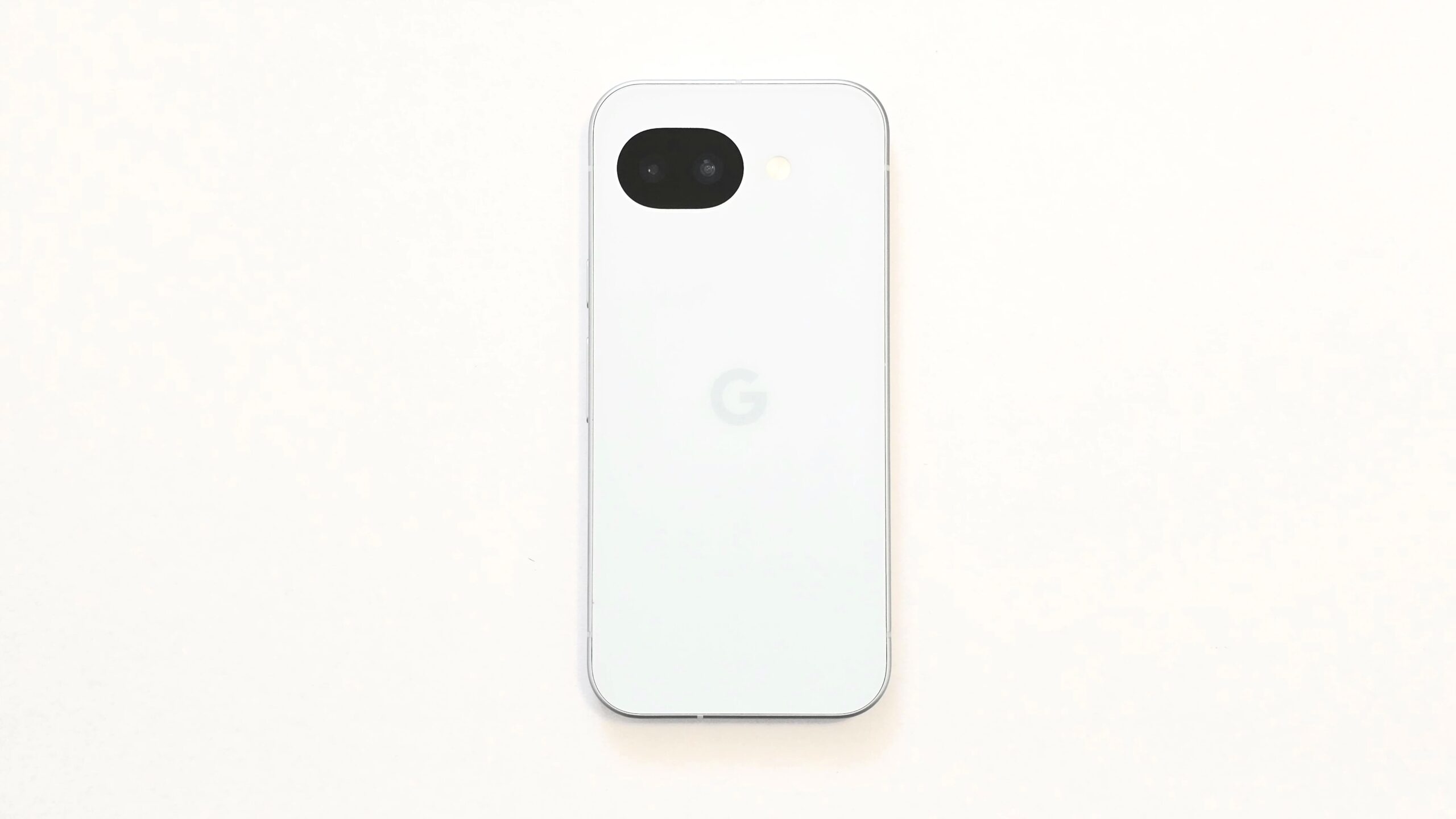
After two years on the Google Pixel 8a through Docomo’s device upgrade program, it was time for a change. The model I chose for her next phone is the Google Pixel 10a.
Why I Bought It Outright Instead of Leasing
Carrier lease programs keep monthly costs low, but they come with trade-offs:
- You can’t take full advantage of Pixel’s long software support window
- Returning and switching devices every two years puts a burden on my mom
So this time, I bought directly from the Google Store. The goal is for her to use it comfortably for as long as possible, without worrying about return deadlines.
Why Mid-Range, Not Entry-Level?
When I first started managing her smartphone setup, I assumed a budget entry-level device would be enough. After going through several phones with her, I’ve landed on a firm conclusion: seniors actually need mid-range specs or better.
It’s not about having the latest features. It’s about smooth, responsive performance in everyday tasks — scrolling through photos, video calling on LINE, using mobile payments at the register. A laggy or unreliable phone causes confusion and frustration, which is the last thing you want for an elderly parent.
Why the Pixel 10a Specifically
The Pixel 8a she used these past two years was genuinely great — snappy performance, smooth display, and stable LINE video calls. The Pixel 10a continues that lineage.
One practical win: unlike the iPhone 17e (released around the same time), the Pixel 10a still supports a physical SIM card. My mom is currently on a physical SIM, so switching was as simple as swapping the card. No carrier store visit, no eSIM transfer headaches.
The Bottom Line
My mom uses LINE, takes photos, and makes mobile payments — more actively than you’d expect for her age. A smooth, reliable device makes her daily life noticeably better.
Cheaper options exist. But after years of managing her setup, I keep coming back to the same answer:
For seniors, mid-range is the right call.
It’s one of the few ways I get to turn my gadget hobby into something genuinely useful. I hope she enjoys her new phone and keeps having a great time with it — staying connected, snapping photos, and making the most of senior life.